v21

Page Break with Live Editor

This feature allows users to insert a ‘Page Break’ within the live editor. The page break will directly influence the final output of the document, ensuring that content is structured as intended. With this added functionality, users can control where pages split in their documents, improving readability and maintaining a professional layout in the final result.
Page Break with Live Editor

Control RTA to have word design: 

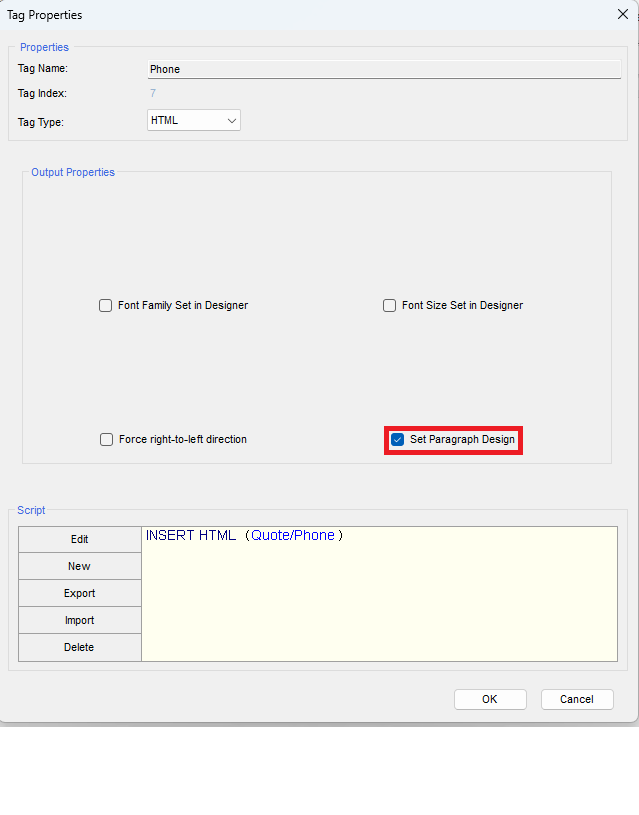
Rich Text Area (RTA) fields in Salesforce are essential for creating and displaying formatted content, such as bold text, italics, lists, and links. While these fields provide flexibility, users have been limited to Salesforce’s default design options. 

With our new feature, Docomotion Designer now allows you to fully customize the design of RTA fields, offering greater control over how your text appears. A new setting, ‘Set Paragraph Setting,’ enables you to apply your own design preferences directly to RTA fields, ensuring that the formatting aligns with your desired style. 

When activated, the RTA field will be formatted exactly as you’ve set it in the paragraph settings, providing a consistent and professional appearance across your documents. 


Control RTA

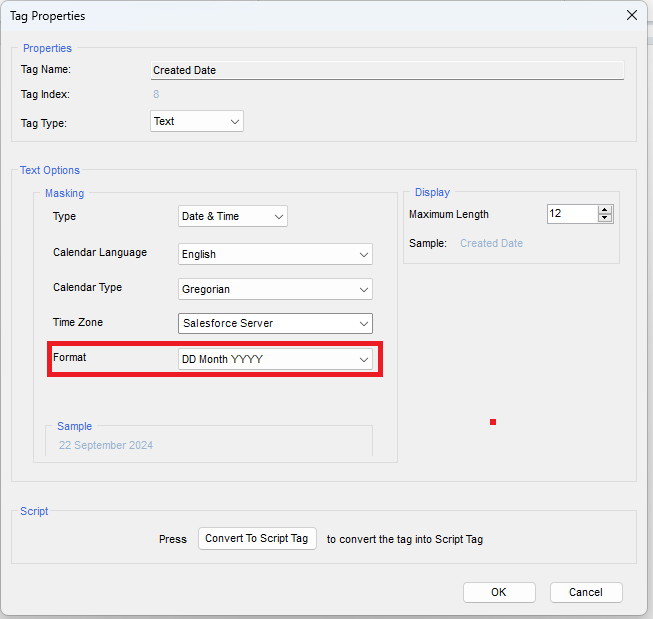
Date Format: DD Month YYYY 

New Date Format: DD Month YYYY has been added: 

DD Month YYYY Format

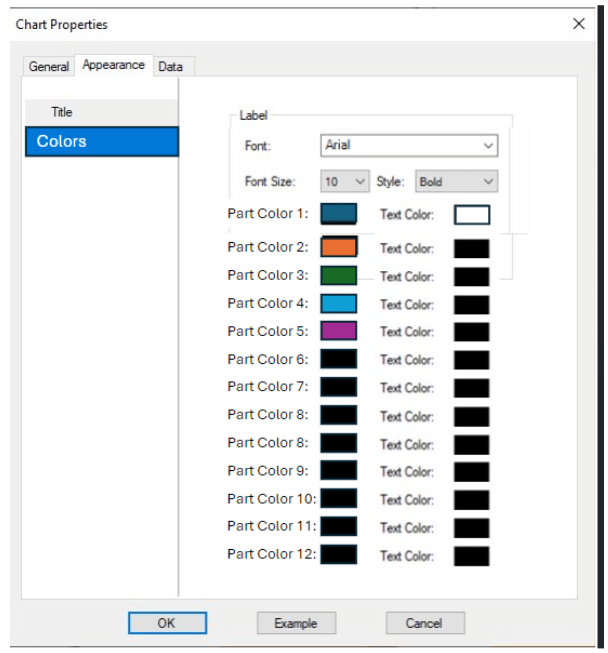
Doughnut Chart with Customizable Colors 

Added a new Doughnut chart type, allowing users to customize chart colors for better data visualization and presentation. Allow to control colors in chart: 

Chart Properties

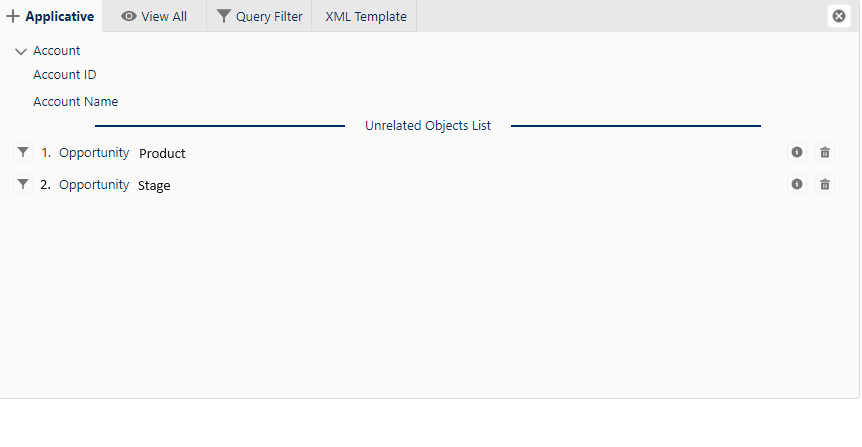
Unrelated List: Advanced Filtering and Logic


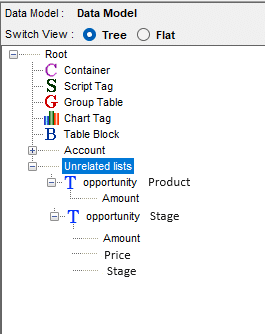
The Unrelated List feature now provides enhanced functionality, allowing users to create unlimited filters and logic on the same object, using different fields. This powerful enhancement offers greater flexibility in managing data without complicated relationships between Salesforce objects.

Key Features: 

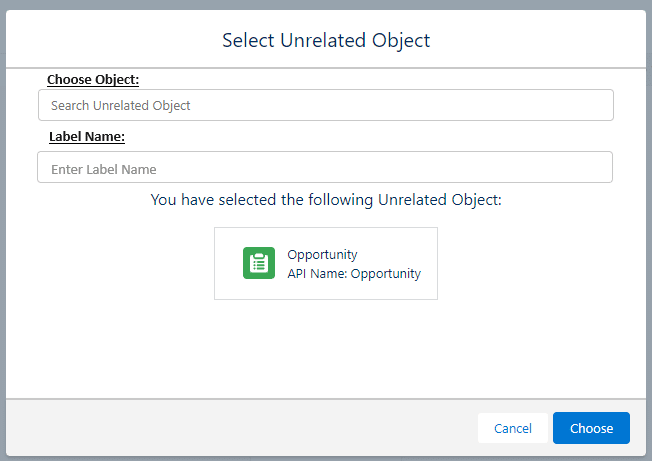
Choose Object: Users can select an object from the same menu, as in the current setup. This allows you to pull in data from unrelated objects and fields, expanding the customization of your documents.

Assign Unique Label Name: Users can assign a unique label name to the relation they choose for easier identification. If the chosen label is already in use, an alert will notify the user, ensuring there are no duplicate labels in the system.

This feature significantly improves document generation by giving users more control over data inclusion and presentation, all while simplifying the management of unrelated lists.

Choose an Object
Unrelated List displayed
Unrelated List at the Data Model Window